
Guide
You've got your buckets set up. Now comes the part that makes it all work: actually moving the money.
Each bucket in Wealthsplitter should have a matching bank account. When it's time to move money, you don't have to think. You just transfer each bucket's amount to the account it belongs to.
Your buckets
Your accounts
Example setup. Your buckets and accounts will be different.
Most banks let you open a new savings account from the app in under 5 minutes. Some people like to rename them to match their bucket names so the connection is obvious.
This is the part where it all clicks. When you get paid:
That's it. The whole thing takes about 5 minutes. Do this every time income hits, and you'll build a clear picture of where your money goes over time.
I've done this every payday for over 2 years and hit a 99% compliance rate across all my buckets. It works because there's nothing to figure out in the moment. The system already did the math.
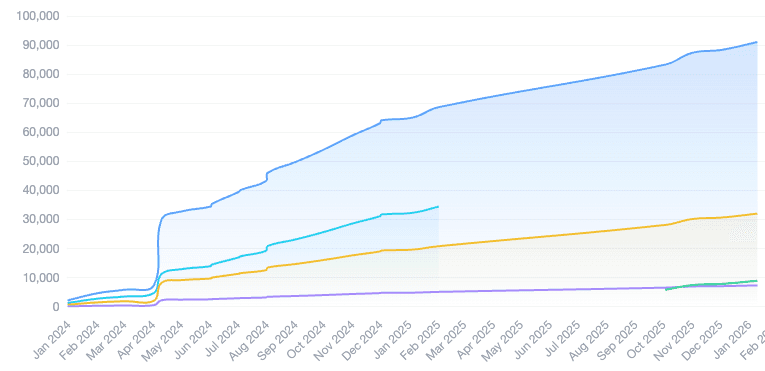
Actual user stats after 2+ years of using Wealthsplitter every payday.
Head back to your tasks and check off each transfer as you complete it. That's how you build the streak.